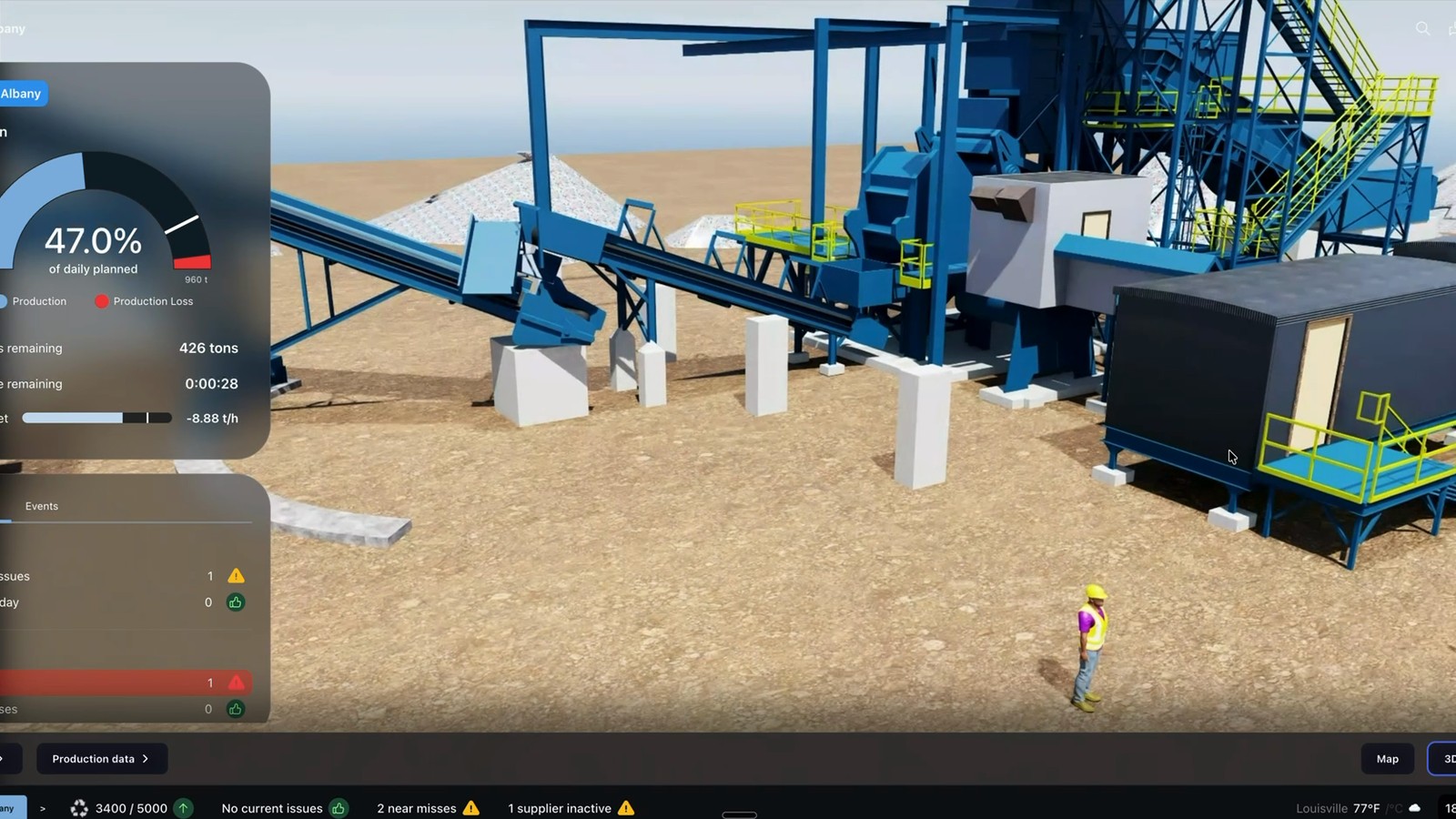
Most digital twin projects in heavy industry stall for the same reason, and it has nothing to do with which platform got picked.
The software is mature. Siemens, Dassault, AVEVA, and Rockwell all ship capable products. Plants stall because the twin is built on geometry nobody verified, so the model never matches the floor, and operators stop trusting it. Here is what each platform does well, and what all of them need from you first.
The short answer
There is no single best platform. There are four categories, and the right one depends on what you want the twin to do.
- Process and production simulation: Siemens Xcelerator, Dassault DELMIA, AnyLogic
- Asset performance and predictive maintenance: AVEVA, GE Vernova, IBM Maximo
- Material flow and throughput modeling: Rockwell Emulate3D, AnyLogic
- Scan-based spatial twins: Cintoo, NVIDIA Omniverse
Every one of them assumes you already have an accurate model of your plant. Most mills do not. That assumption is where the budget goes.
The platforms
Siemens Xcelerator
The broadest portfolio in the category, spanning Teamcenter for lifecycle data and Insights Hub for connected asset monitoring. Strong if you already run Siemens automation, since the integration path is short. Heavy to implement, and it expects real engineering data management discipline on your side.
Best for: Large mills with existing Siemens infrastructure and an internal engineering systems team.
Dassault Systèmes DELMIA / 3DEXPERIENCE
Strongest on manufacturing process planning and production operations. Dassault markets directly into metals and steel. The platform is deep, and depth means implementation effort.
Best for: Operations focused on process planning, scheduling, and production optimization.
AVEVA
Built around process industry asset data, with a long history in plant engineering and operations. Its asset performance and predictive maintenance tooling fits mills where uptime is the metric that matters.
Best for: Asset reliability and maintenance-driven programs.
Rockwell Emulate3D
Focused on emulation and material handling. Test control logic, commissioning sequences, and throughput changes against a virtual line before touching the real one. Narrower than the platforms above, and better at the thing it does.
Best for: Material handling, conveyor and crane systems, virtual commissioning.
AnyLogic
Simulation-first, and vendor neutral. Multi-method modeling makes it flexible for yard logistics, scrap flow, and throughput questions. It answers operational questions rather than serving as a system of record.
Best for: Specific throughput, logistics, and scheduling questions, including scrap yard and charge sequencing.
Cintoo
Different category. Cintoo turns laser scan data into a usable, collaborative spatial twin, converting large point clouds into meshes teams can work with in a browser. It is the bridge between reality capture and the platforms above.
Best for: Making existing scan data usable across engineering, maintenance, and contractors.
NVIDIA Omniverse
A simulation and visualization layer rather than a finished twin product. Powerful for physics-accurate simulation and connecting tools across vendors. Expect a development effort, not an install.
Best for: Organizations with internal development capacity building something custom.
Comparison
| Platform | Primary strength | Best fit | What it needs from you |
|---|---|---|---|
| Siemens Xcelerator | Breadth and lifecycle data | Existing Siemens shops | Engineering data discipline |
| Dassault DELMIA | Process and production planning | Process optimization programs | Detailed process definition |
| AVEVA | Asset performance | Reliability and uptime programs | Asset register and sensor data |
| Rockwell Emulate3D | Emulation and material flow | Handling systems, commissioning | Accurate layout geometry |
| AnyLogic | Flexible simulation | Throughput and logistics questions | Clear question, clean data |
| Cintoo | Scan data at scale | Spatial collaboration | Laser scan data |
| NVIDIA Omniverse | Simulation and visualization layer | Custom builds | Development resources |
The prerequisite nobody sells you
Every platform above needs an accurate spatial model of your plant. None of them produce one. They consume it.
That is the gap. A mill signs a platform contract, then discovers the only geometry available is a CAD set from 1998 plus whatever survived the last three retrofits. The team spends the first year of a twin program rebuilding basic facts about the building. Adoption stalls, because the first time an operator finds the model disagrees with the floor, they stop opening it.
A twin is only as accurate as the plant model underneath it. Live sensor data on top of wrong geometry produces confident, wrong answers.
Get the order right
Capture the physical reality first, then connect the data.
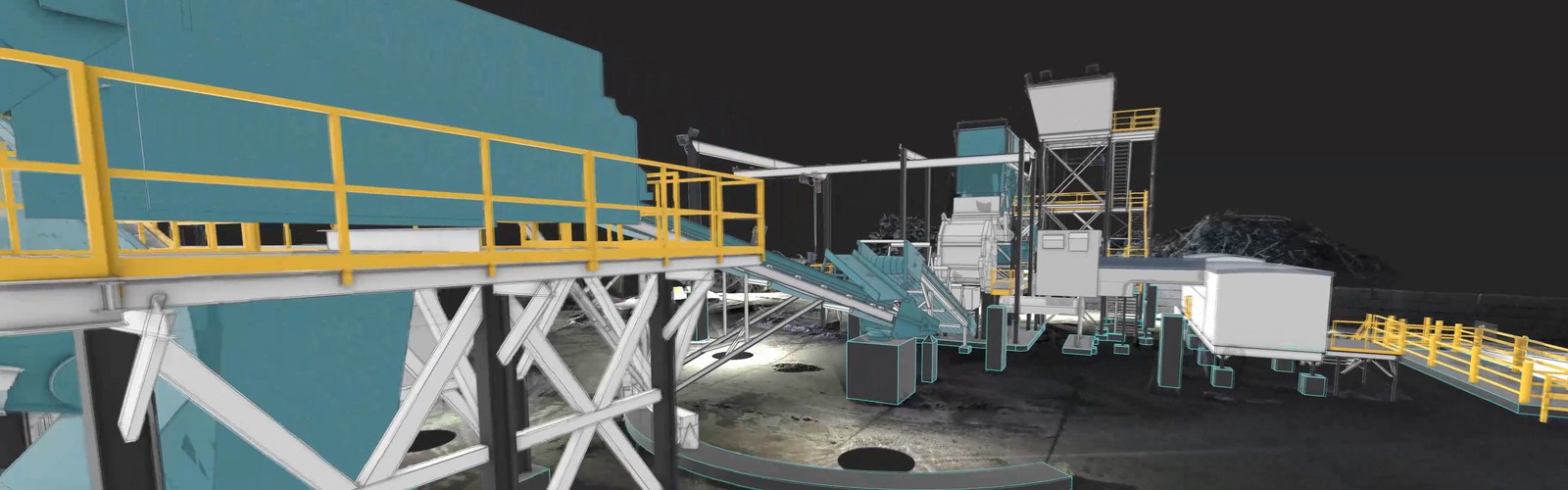
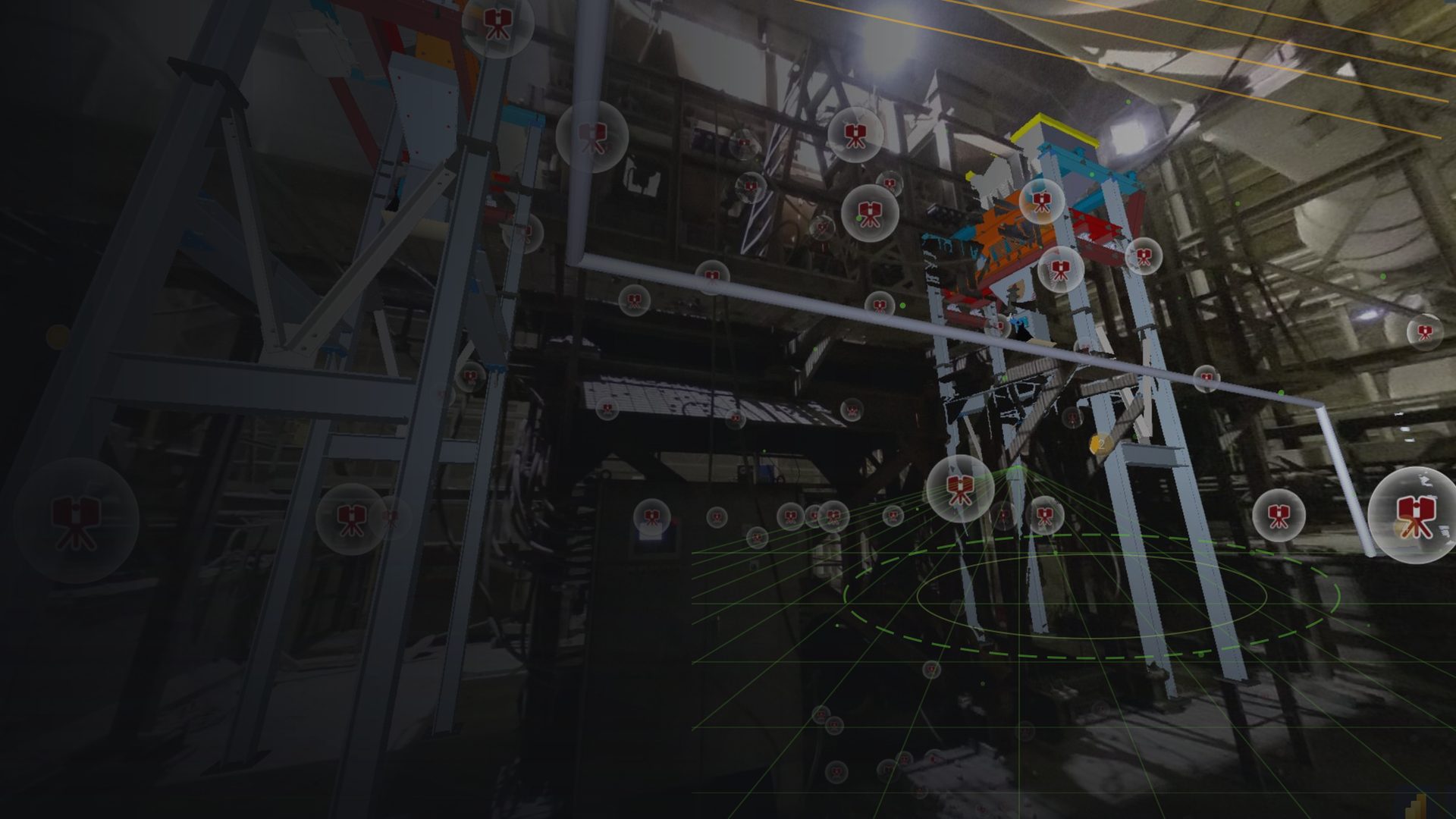
- Reality capture. Laser scan the plant as it stands. Millimeter accuracy, no downtime, and a verified baseline instead of an assumed one.
- Visual twin. A measurable model your team uses immediately for planning, clearances, and coordination. Delivered in as little as 72 hours after the site visit, and it earns its keep before any platform is chosen.
- Digital twin. Connect live data, simulation, and asset intelligence on top of geometry you have verified.
Each stage pays for itself alone. That matters, because it lets you stop at the stage that fits your operation instead of committing to a multi-year program to see any return. See how the stages work on our digital twin and reality capture pages, and the difference between the stages in what is a visual twin.
How to evaluate a platform
Ask vendors these before you sign.
- What spatial data does this need from us, at what accuracy, and in what format?
- What happens when the plant changes and the model does not?
- What can we do in month one, before full integration?
- Does data flow both directions, or is this a viewer?
- Who maintains the twin once the implementation team leaves?
The first question is the one that exposes cost. Vendors quote licensing and implementation. The spatial data you have to produce yourself often goes unmentioned until after signature.
Frequently asked questions
What is the best digital twin software for a steel mill?
It depends on the goal. Siemens Xcelerator and Dassault DELMIA lead on process and production planning. AVEVA leads on asset performance and reliability. Rockwell Emulate3D is strongest for material handling and virtual commissioning. Cintoo handles scan-based spatial twins. Every one of them requires an accurate spatial model of the plant, which the platforms consume rather than create.
Do we need a 3D scan before implementing digital twin software?
In practice, yes. Digital twin platforms assume accurate plant geometry. Most mills have drawings that stopped matching the plant years ago. Laser scanning produces a verified baseline at 1 to 3 mm accuracy without downtime, so the twin models the plant that exists rather than the plant that was designed.
Why do digital twin projects fail in heavy industry?
Most often because the underlying plant model is inaccurate or out of date. When the twin disagrees with the floor, operators stop trusting it and stop using it. Scope is the other common cause, where programs aim for full live integration before delivering anything usable.
What is the difference between a visual twin and a digital twin?
A visual twin is a measurable, engineering-grade model of the plant as it physically stands, usable from day one for planning and coordination. A digital twin adds live two-way data, simulation, and intelligence on top of that geometry. The visual twin is the foundation the digital twin is built on.
How long does it take to get usable plant geometry?
We deliver a working visual twin in as little as 72 hours after the site visit. Your team plans against it immediately, well before any platform decision is made.
Start with the foundation
Choosing a platform is the second decision. The first is knowing what your plant actually looks like today. Start with a free virtual site visit. We walk your site, listen to where your data breaks down, and show you what a verified baseline changes. Book your free virtual site visit, or call 888-354-SCAN.